Expenses and income in seconds
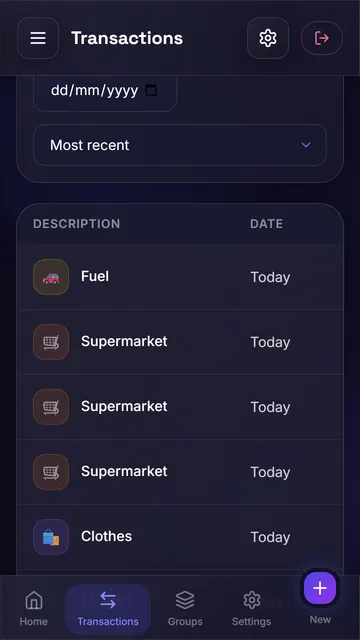
Log every transaction with a category and date, or scan the receipt and let AI fill it in.
 FinanceFlow
 Log expenses in seconds, set budgets that actually work and let AI show you where your money goes — and where it is heading.
Free forever on the Free plan. No card needed.
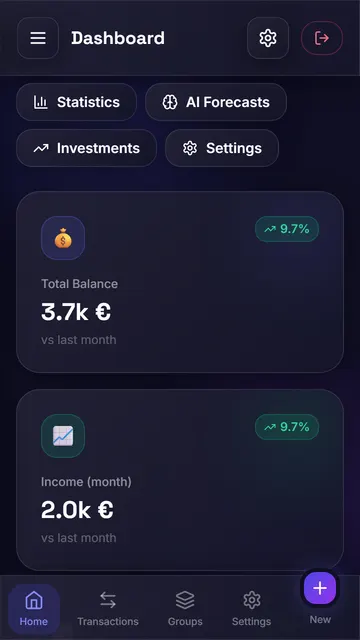
Log every transaction with a category and date, or scan the receipt and let AI fill it in.
Combine categories into groups (home, leisure…), set a limit and get a heads-up before you go over.
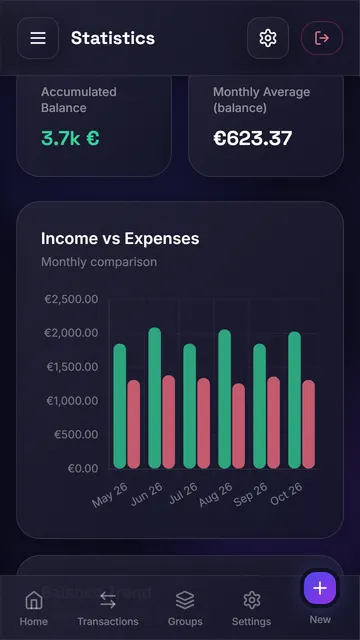
Charts by category and month, with concrete tips to save — in plain language.
See how much you will spend in the coming months and get a budget proposal based on your history.
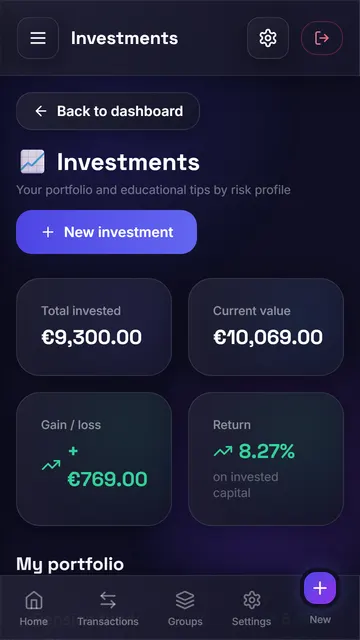
Track stocks, ETFs and other assets, follow their value and get educational tips for your profile.
Two-factor authentication, biometric lock on Android, and your data is never sold.
Start for free and switch plans whenever you like. Cancel anytime.
€0.00/month
€8.49/month
€21.99/month
Only totals that are already calculated (per month and category), category names and, for the suggested budget, your expected income and the percentages you choose. Your transaction descriptions are never sent.
Free, Pro and Premium. See what each one includes and the prices in Subscription.
On the website: card or direct debit (with automatic renewal), MB WAY or Multibanco (one-off payment for 1, 3, 6 or 12 months). In the Android app, through Google Play.
If you bought on the website, in Settings → Subscription; you keep access until the end of the paid period. If you bought in the Android app, cancel in Google Play (Payments & subscriptions).
In Settings, under two-factor authentication, scan the QR code with an authenticator app and save the recovery codes. From then on, signing in also asks for the code from the app.
In Settings → Privacy and data you can download everything as JSON or delete your account and all its data.
Create your account in under a minute.